
Make the break screen yours
Arrange clip information, timers, fonts, and colors in Theme Studio. Save different overlays for the scenes you use.
Explore scene stylingTwitch clips for OBS and Streamlabs
Turn your Twitch clips into a break screen. Pick what plays, make it yours, and add one browser source to OBS.
Free to start. No card required. No Runner installation needed.
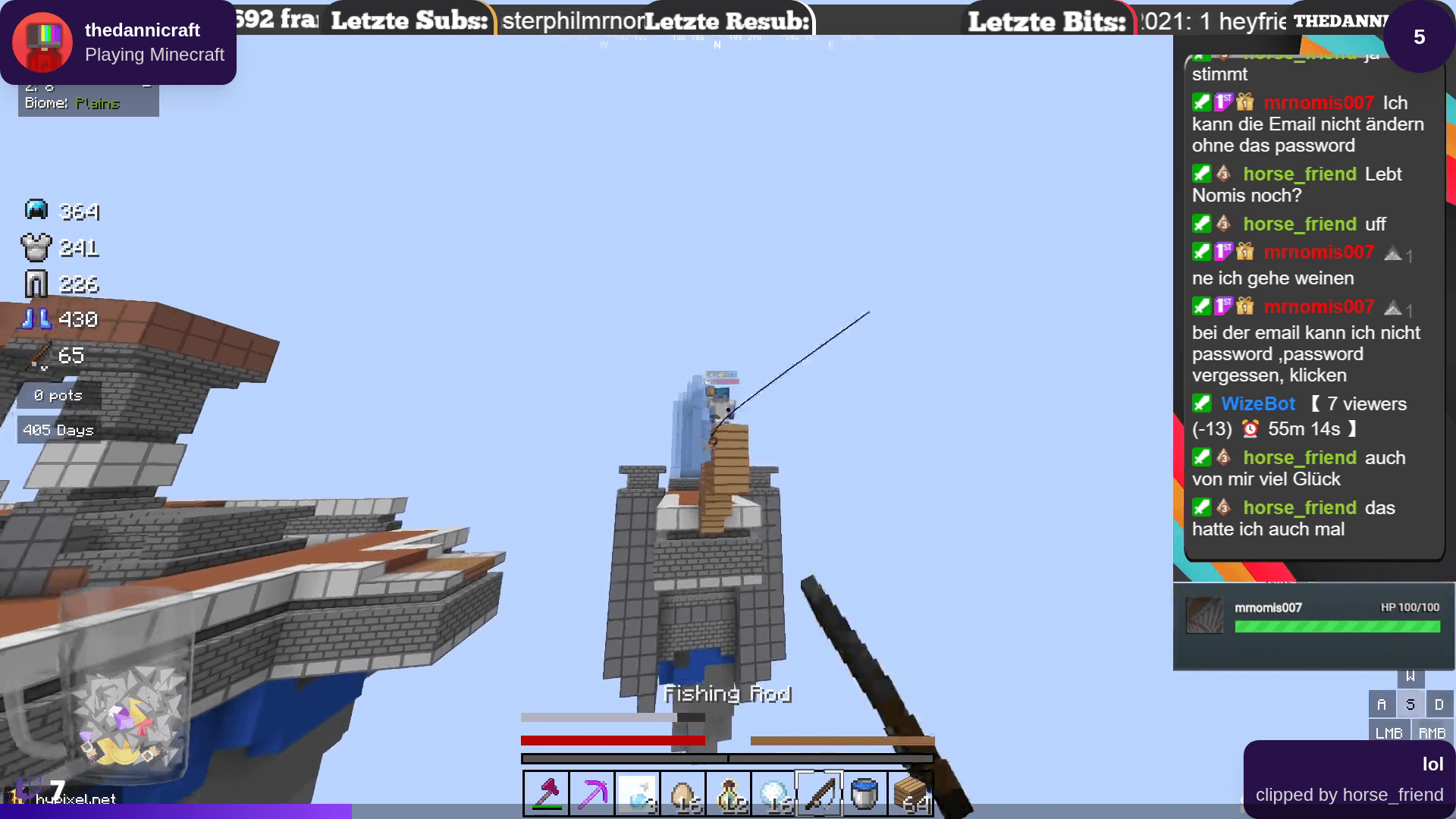
Your highlights. Still on stream.
BRB, Starting Soon, or a scene of your own.
Explore the creator community01
Sign in to find your clips and start your setup.
02
Save a playlist or choose a clip source for your overlay.
03
Paste your private overlay URL into a browser source. Preview it, then switch scenes.
Your clips, your selection
Keep the clutch, the running joke, and the moments chat remembers. Add and arrange your Twitch highlights in a saved playlist.
Update the clips in Clipify. Your OBS browser source stays the same.
Build your playlist
Go further with Pro
Arrange clip information, timers, fonts, and colors in Theme Studio. Save different overlays for the scenes you use.
Explore scene styling
Skip, pause, or mute from a second screen. Let trusted teammates help with their own accounts, chat commands, and channel points.
See playback controlsOptional Runner adds standalone broadcasting. Pro includes scheduling and multiple destinations.
Explore RunnerGet your first clip playlist on stream for free. No card required.
Everything you need to get your clips on stream and online.
Free
Advanced control, customization, and insights for serious creators.
€20.00/per year
Your subscription directly supports an independent developer building Clipify.
Manage multiple independent creators, team permissions, and centrally assigned Pro seats with custom commercial terms.
Before your next stream
Find setup instructions, troubleshooting, and the details in the Help Center.
Read the setup guideBuild a break screen with the clips that make your channel yours.
Start free with Twitch